

Calendar, appointment fields and attendance
Create/move appointments and interpret availability and attendance.
Platform · Last verified:
Choose the correct clinic day in Calendar. Day/week/month are different layouts; 07:00–20:00 versus 24 hours changes the display, not the clinic's work schedule.
Create
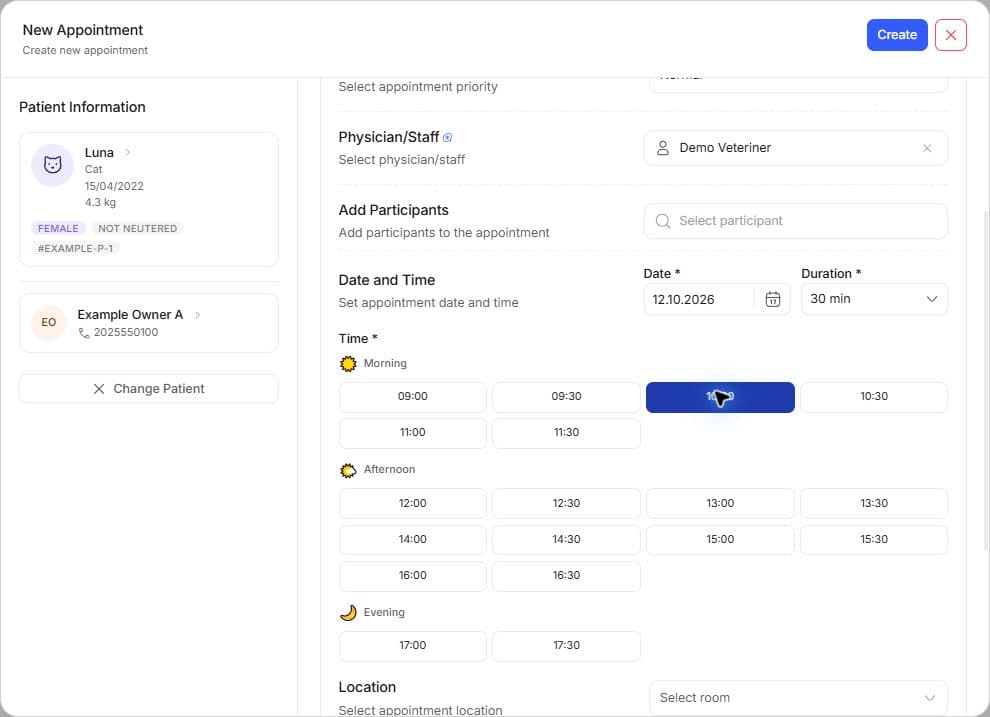
- Open New appointment for the selected day/time.
- Select patient/customer and appointment type. Check a linked vaccine or surgery source.
- Review start, duration/end, assignee, participants and notes.
- Read availability/conflicts. Work schedules, existing appointments and selected time matter together.
- Save; reopen the event and verify patient, time and assignment.
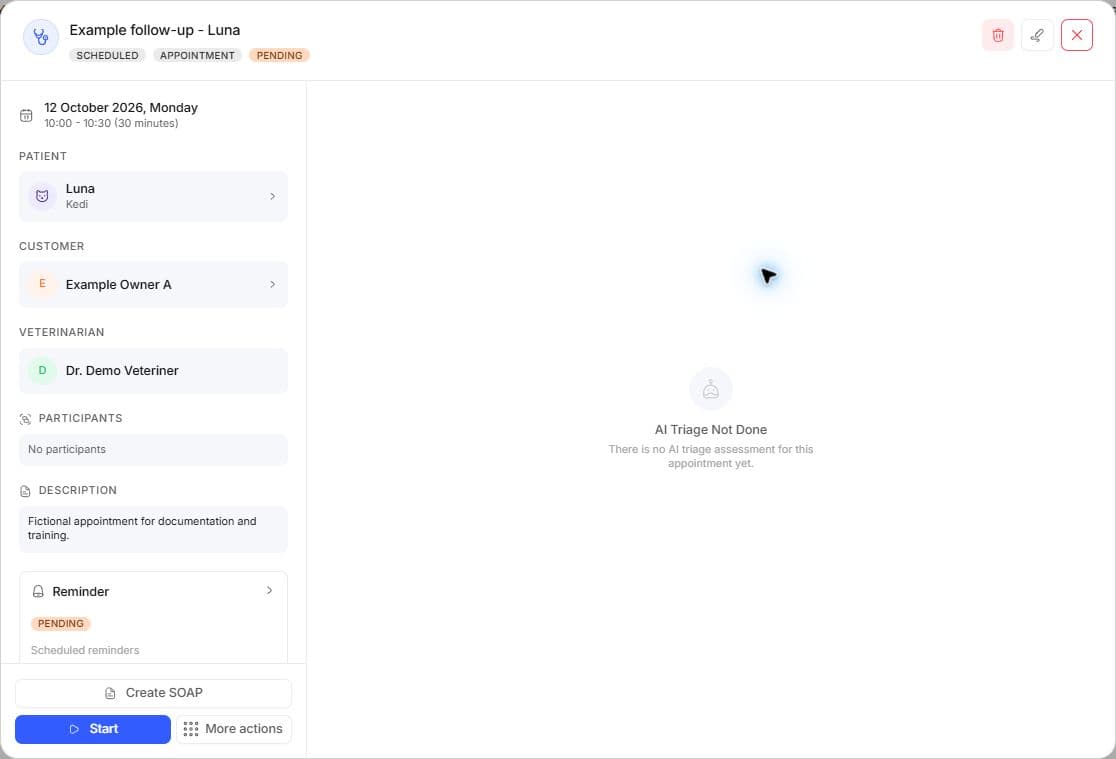
In the saved fictional appointment detail, check the Scheduled status, veterinarian and pending reminder. A delivery count of zero means the reminder has not been sent.
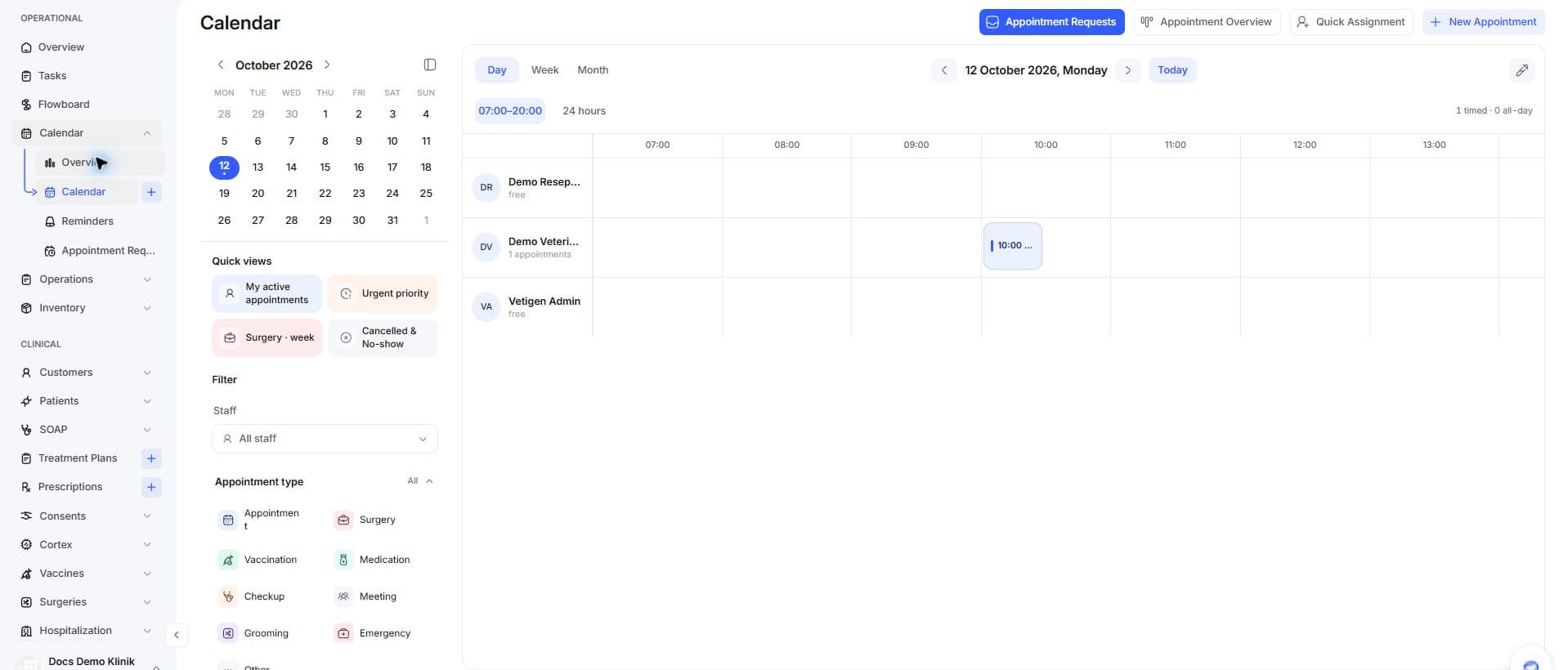
The date and staff records in this screenshot are fictional training data; verify the selected date and correct staff column in your clinic.
| Information | Check |
|---|---|
| Date/time | Uses clinic timezone; do not confuse device time |
| Assignee | Active choices may differ from a historical assignee |
| Type/source | Surgery/vaccine links have source-specific conditions |
| Notes/participants | Not a clinical record or delivered owner message |
| Availability | A filter or visible gap alone is not approval |
Edit and move
Open an event and use permitted edit/cancel actions. If dragging is offered, verify the resulting time/person; a failed move may restore the original position. A surgery-managed appointment cannot be moved through generic calendar dragging; use postponement in surgery detail.
In Quick Assignment, select records and the target person, then review preflight warnings. Read accepted/rejected rows separately; do not assume every row succeeded.
Filters and attendance
Person, type, state, attendance and priority filters narrow the view. A quick view may retain the selected date; inspect date and filters together. Calendar Overview cards open lists with the selected period/attendance scope. Appointment state, actual attendance, cancellation and unresolved records are separate signals; a missing rate is not zero percent.
Example: after moving Friday's 10:00 checkup to 11:00, verify both calendar and detail. Completing an appointment does not sign SOAP or collect money. Requests, flow board.